Skip to content
Solo available now · Power in development

Your AI accounts.
One spatial workspace.

Stack your usage. Work in parallel.On your Mac, on your phone, or around you in Quest.Your work. On Mac, phone & Quest.

Start with Solo 14-day trialThen $10/month · Card required
Illustrated VcodeR vision: connected AI accounts flowing into a spatial workspace around a headset wearer. Example accounts: Codex 1, Cursor 1, Codex 2, Claude 1 and Claude 2.
Your accountsExample team · separate allowances
Your goalBuild my appPlanBuildReview
Workspace illustration · Power previewPower preview · Separate allowances
Illustrated Power preview · Separate AI allowances

Your accounts, together.

Power preview

One goal. Plan, build and review in parallel.

Each account keeps its own allowance. Power is in development.

Same agent.
More freedom.

Your work stays on your Mac.
Where you take it is up to you.

Send instructions Review changes
Start with Solo Solo · One AI account and one Mac.
Keep your Mac online and awake.
Your MacAgent · project · local tools Online
iPhone & Android Browser access
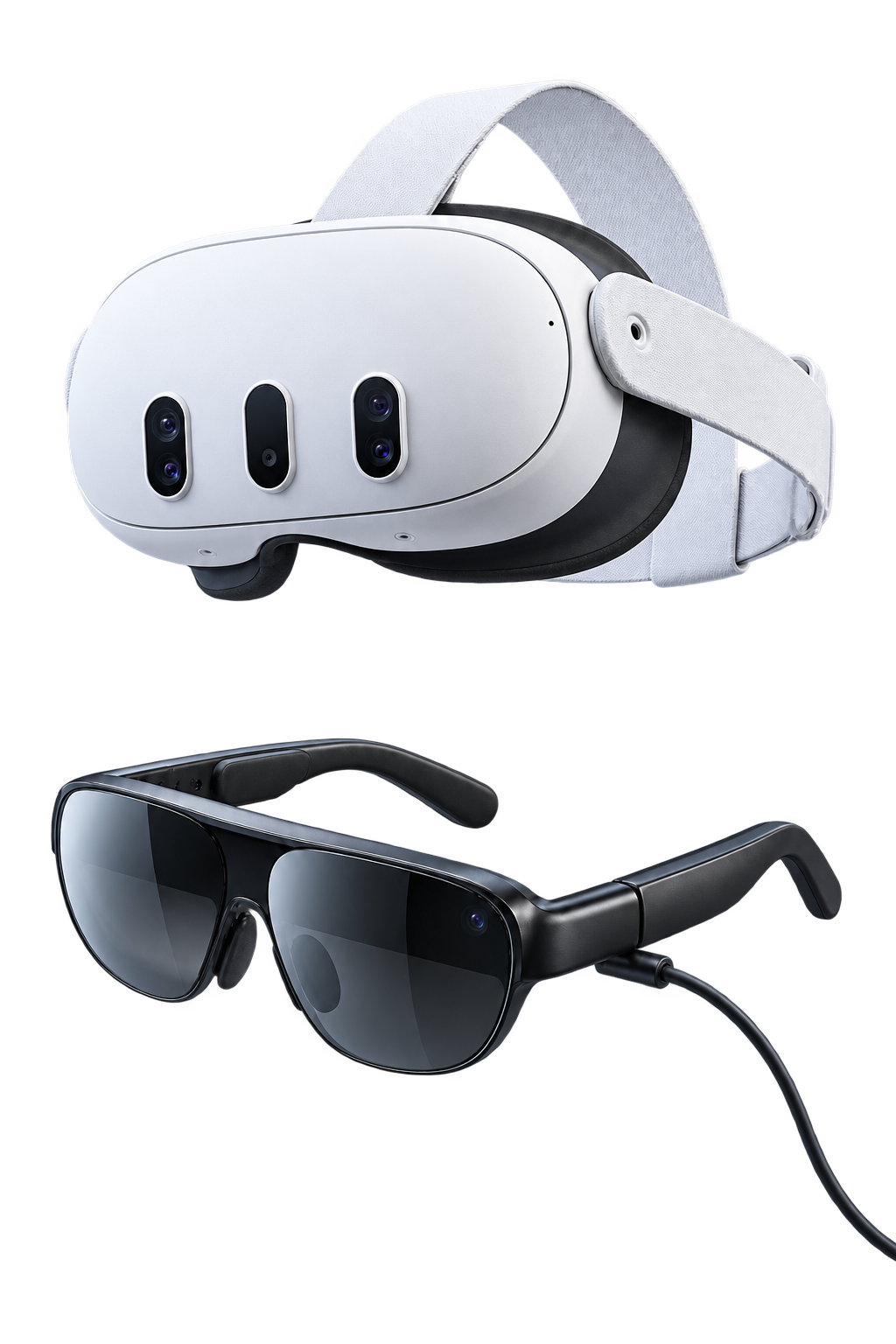
Illustration of a Meta Quest headset
Meta Quest Quest Browser · alpha
Illustration of USB-C XR glasses
Plug-in XR glasses In development
Your next instruction. From anywhere.

Continue selected conversations in your iPhone or Android browser.

Actual app UI, sample conversation · illustrated hardware

Start Solo. Grow into Power.

Your AI accounts stay yours.
Choose how you put them to work.

Solo

Available now

Your agent, wherever you work.

$10/ month

One person · One AI account · One Mac

Start with Solo

14-day trial · Card required
Includes applicable taxes. Renews until cancelled.

  • Continue selected conversations on your phone
  • Open your spatial workspace in Quest Browser
  • Send instructions and review code changes
  • Keep your agent, project and local tools

Apple Silicon Mac · Codex-first setup
Quest Browser alpha. Native release separate.

Power

In development

Your accounts, working as a team.

One lead.More work in parallel.

Multiple AI accounts · One coordinated goal

See how Power works

In development · unavailable to purchase
Not included in the Solo plan.

  • Choose a lead and an allowed team
  • Assign focused work across your accounts
  • Use each account’s separate allowance
  • Follow tasks and review results together

The multi-account workspace shown above is a preview of Power.

AI subscriptions are separate. Each account keeps its own provider allowance.

VcodeR PowerIn development

One lead.
More in parallel.

Your lead assigns the work.
Each account uses its own allowance.

Compare the example
The goal

“Improve the phone remote.”

Separate allowances. Work in parallel.One lead coordinates three focused account tasks.

Interactive illustration · Power in development

Actual Power team interface · sample tasks · in development
Your workspace, around youQuest / XR / Phone

A workspace you
can step into.

Your agents, code and browser in one room. Choose an agent. Bring a panel closer. Make the space your own.

Sample conversationNo account connected
Actual app panels · still view

Choose an agent or click a panel.Real app UI · interactive demo · no account connected

Exact devices and availability
Mac
Apple Silicon · your existing Codex setup. Keep your Mac online and awake.
iPhone & Android
Continue selected conversations in your phone browser.
Meta Quest 3 / 3S
Quest Browser alpha. Native app distribution is separate.
Plug-in XR glasses
VITURE, RayNeo and XREAL configurations are in development. Exact glasses, phone and cable combinations need testing; a USB-C display alone does not add independent spatial panels or head tracking.

Connect. Continue. Create.

Setup guide
  1. Connect your Mac

    Your agent and local tools.

  2. Select a conversation

    You choose what to share.

  3. Open on your device

    Phone or Quest Browser.

A few useful
answers.

What do I need?

An Apple Silicon Mac, Git and your own Codex setup. Connect the VcodeR companion and select the conversations you want to continue. Your Mac must remain online and awake, with your selected conversation listening.

Does VcodeR include AI usage?

Your AI subscriptions and allowances stay separate from VcodeR. Each connected account contributes its own available usage. Power coordinates work across those accounts; it does not merge their quotas into an unlimited token pool.

What is available today?

Solo connects one person, one AI account and one Mac. Continue selected conversations from your phone or Quest Browser. Codex is the first tested setup. Power multi-account delegation is in development and is not available to purchase.

Can I use Quest or XR glasses?

Quest 3 and 3S can use the Quest Browser alpha. The native Quest app has a separate release. Phone-connected VITURE, RayNeo Air and XREAL display configurations are in development and require exact-device testing. A USB-C display alone does not provide independent spatial panels or head tracking.

Who controls my computer?

You choose the conversations to connect. Your agent works with your local files and tools, and its native permissions still apply. Review approval requests, stop work and disconnect when you need to. Selected history, instructions, activity and results are relayed through your VcodeR account.

How much does it cost?

Solo is $10/month, including applicable taxes, with a 14-day trial. A card is required. It renews until cancelled. Your AI subscription is separate. Power is in development and unavailable to purchase.

Already tried VcodeR? Help shape what’s next.

Make room
for your next idea.

Start with Solo Already connected? Open workspace